Instatileset
How to use
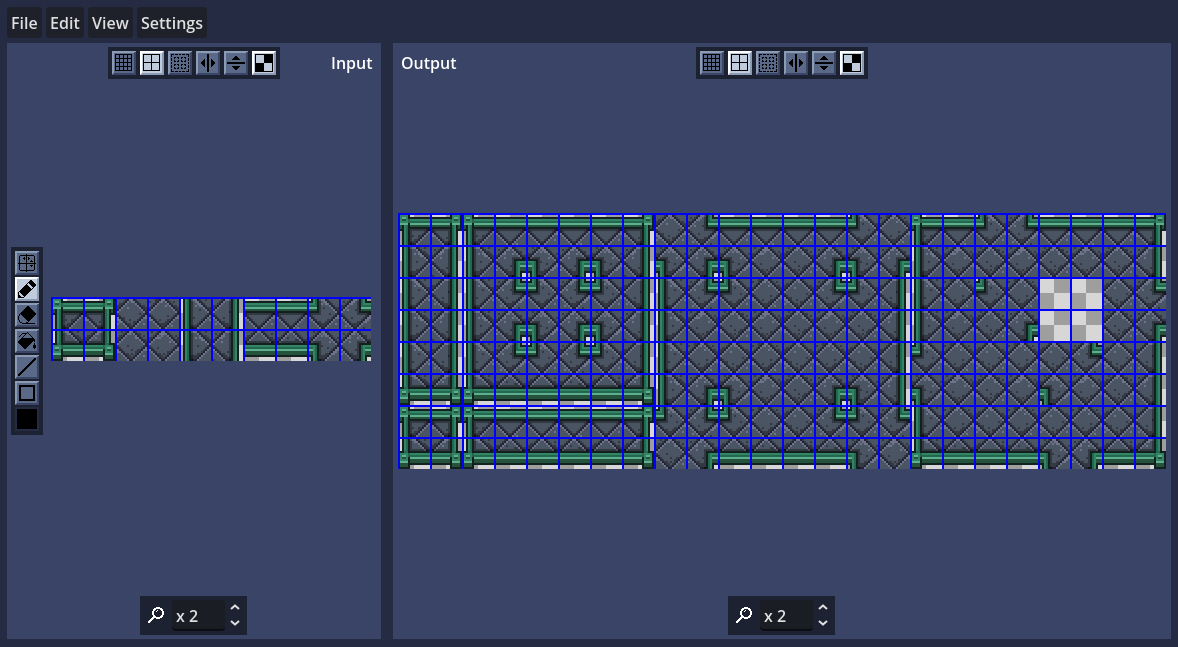
First, select File > New to create a blank image or File > Open to load an existing input image of five tiles. You can also drag the file into the window. The dimensions of the input tiles must be even both in width and height. The tiles should be in the order shown in this example:

You can load this example directly:

Now you can start drawing, either in the input panel or the output panel. Hover the cursor over the different buttons to see their tooltips.
If the tiles aren't supposed to be split on the center you can use the Split lines tool to slide them:
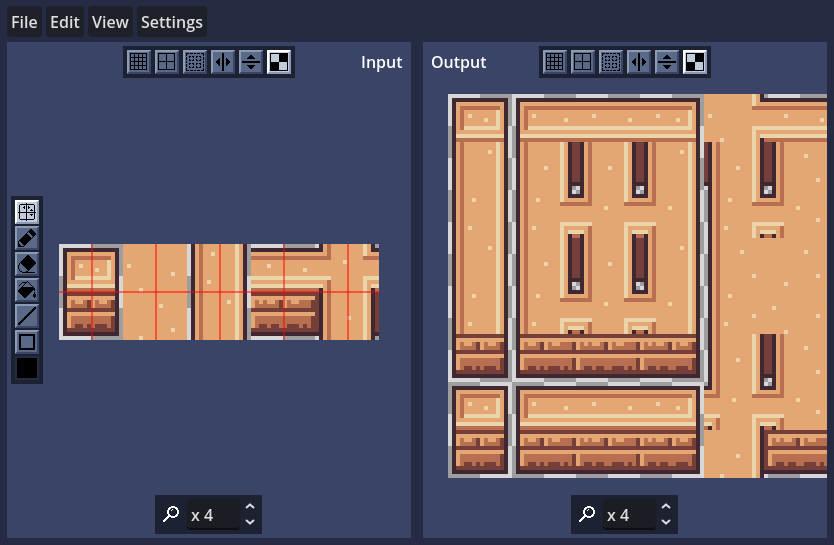
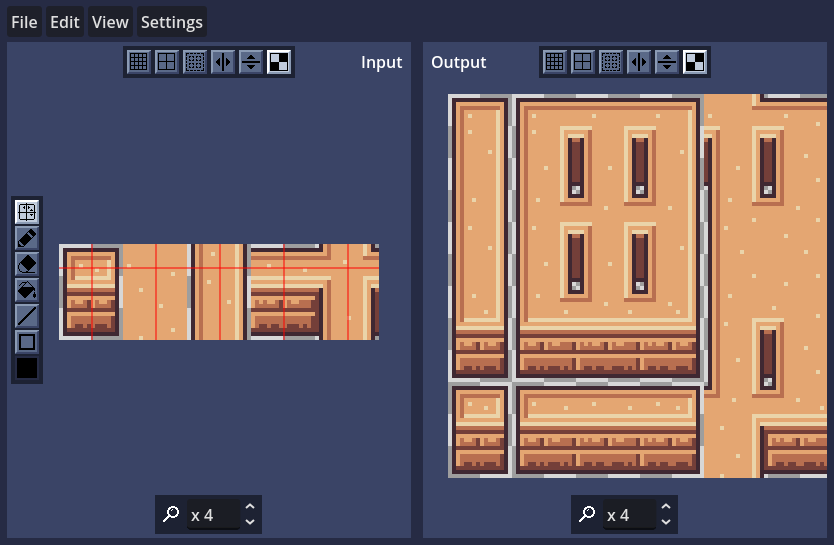
Usable example:

Once you are done you can export the output to use it in a different software such a game engine, and the input if you want to reload it again later. There are the following options for exporting:
- File > Download output/input: Only available in web. Downloads the image from the browser.
- File > Export output/input: Exports the image to the selected directory.
- File > Quick export output/input: Exports the image to the same directory it was imported from.
Download
Click download now to get access to the following files:
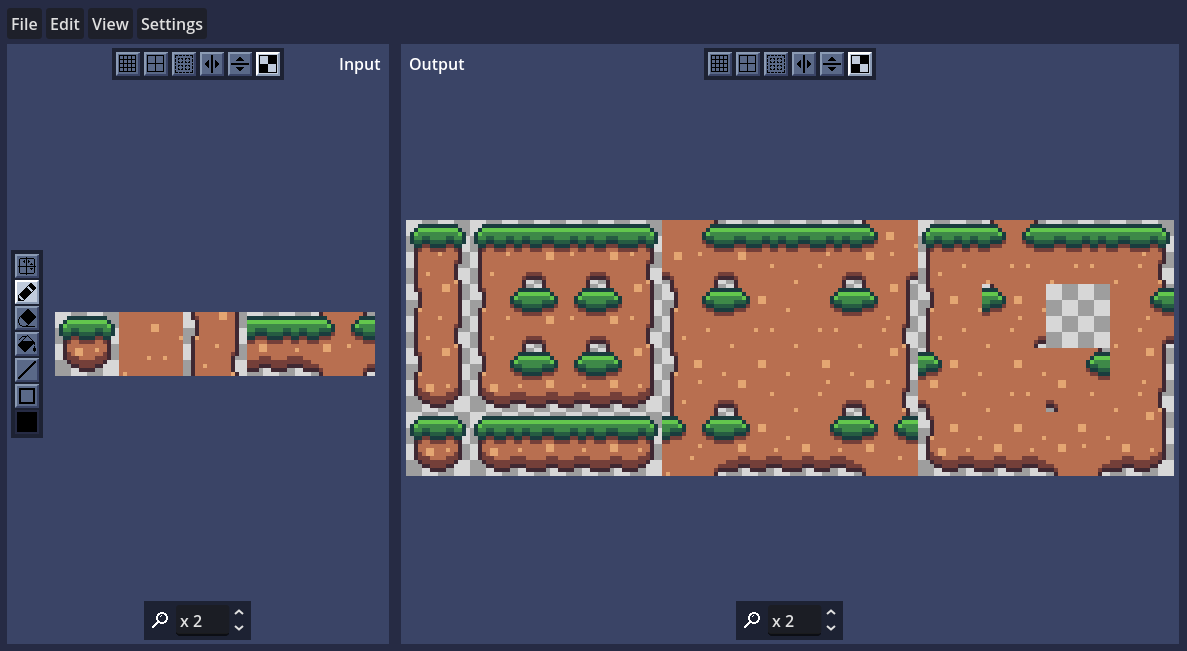
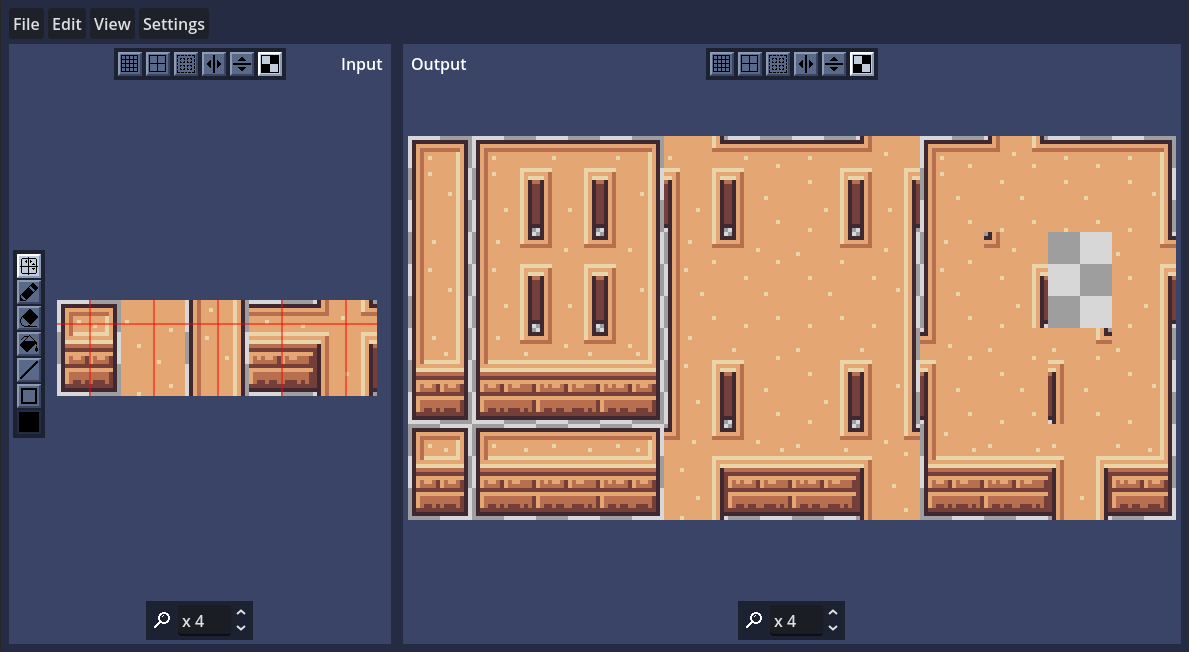
Comments
Log in with itch.io to leave a comment.
While I already have Aseprite, this is a good option for tile-exclusive work, and also might be a free alternative to Pyxel Edit. Good work, Escualina!
I would suggest adding in a selection tool for dragging around sprites would be nice as well, and I would add an option to import color palettes to the tool.
Noted. Thank you for the suggestions!
This is awesome! Really speeds up tileset work.
Some feedback to make it just that bit better, I'd like to see an option where it automatically re-reads the input file and re-exports to the output file so I can tweak in aesprite and it just auto updates, could just be a button to refresh.
EDIT: I see there already is quick export which is half the puzzle :)
Gotcha. I will make a note to include an option to overwrite the input file in the next update. Thank you for the suggestion!
Amazing work and thank you for sharing this with the community! Wish you all the very best. 💖
This looks so useful!
Really cool and useful, thanks for sharing!
I'm mesmerized *--*
Thank You! would have been awesome to have this around at GGJ 2026